Pestle Bites: How to meal plan
Integrate Pestle's Meal Plan into your Calendar, your Widgets & more!
Hey everyone! Welcome to Pestle Bites, a monthly showcase of some of the best features in Pestle.
Today's edition is all about meal planning. Whether you're looking to cut down on waste, be more organized or lead a healthier life, Pestle's meal planner is here to help! Even if you already use the Pestle Meal Planner, keep reading – you might just learn a thing or two!
Meal Planning in Pestle
You'll find Pestle's Meal Planner in the tab bar.

If you've never opened it before, you'll see an empty list of days, starting at the start of week, and continuing for fourteen days.
How to Meal Plan
You can add recipes to the Meal Plan in lots of ways. You can start by tapping the big green plus button.
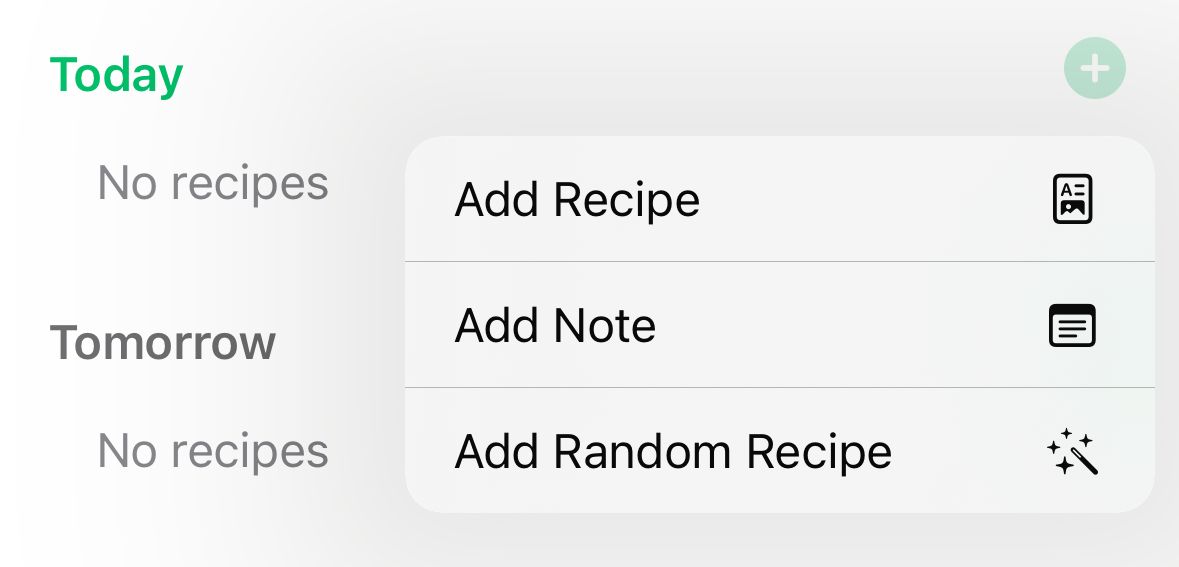
From here you can pick a recipe from your cookbook, pick a random recipe, or add a note. Use notes to add things like "Yesterday's leftovers" or "Reheated pizza 🍕".
Another way to add recipes is to use the add button directly from the recipes page.
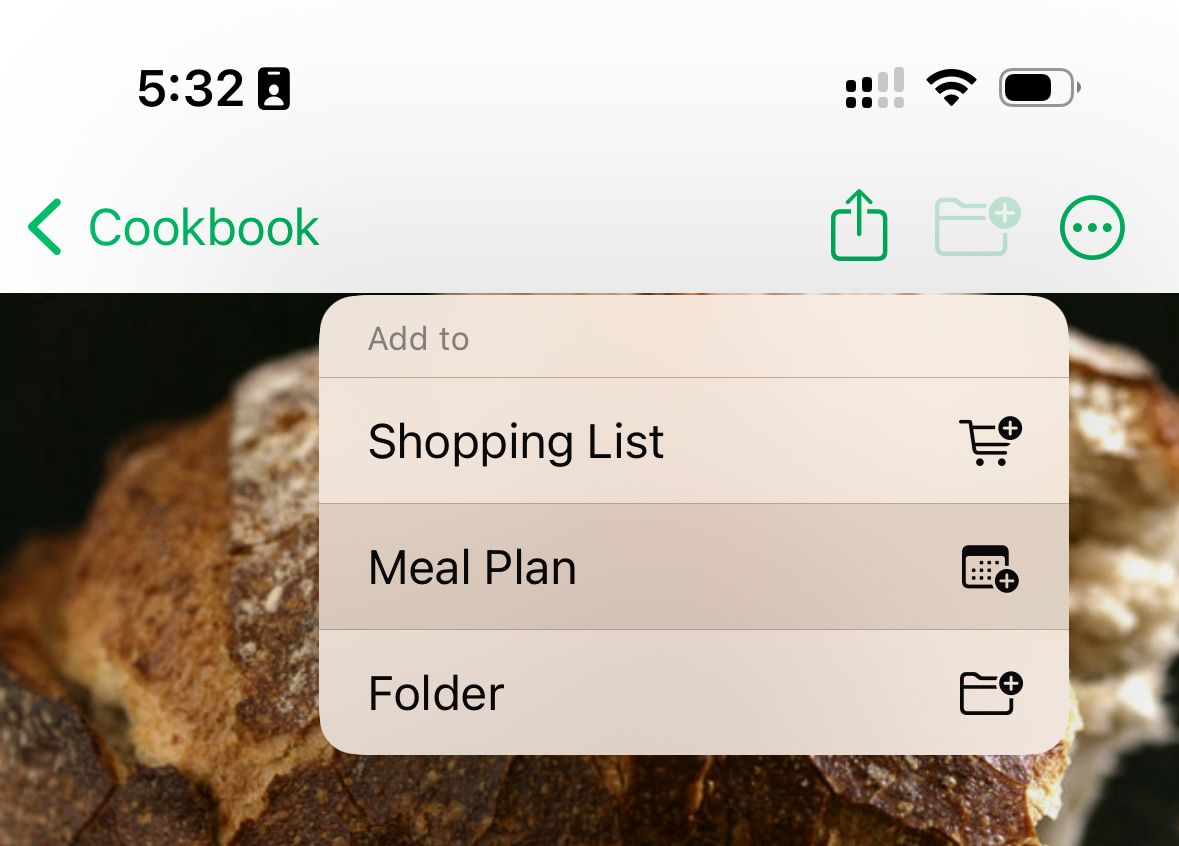
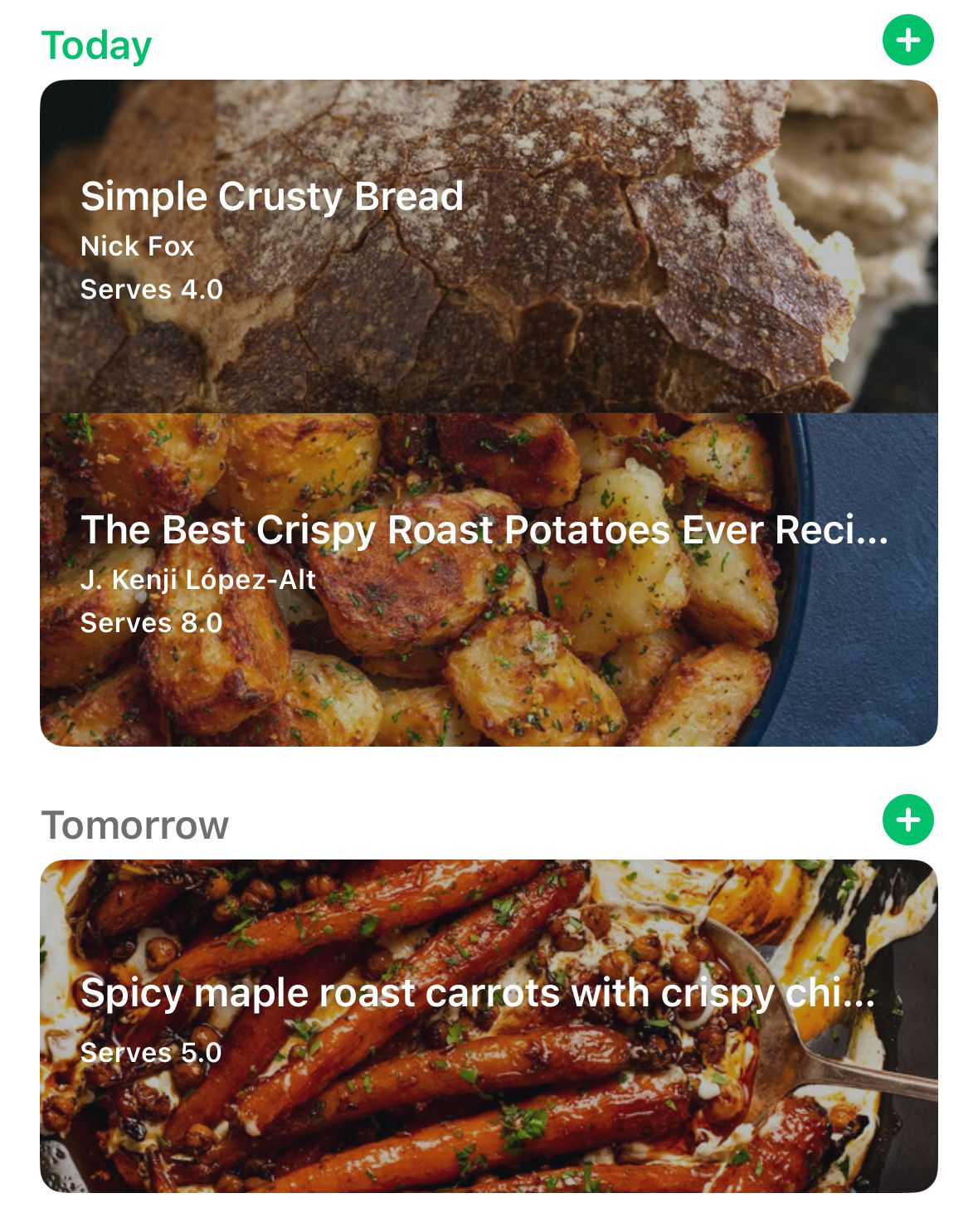
Once you've added a couple things to your Meal Plan, it should look something like this:
For the true power users
It doesn't have to stop there! Pestle's Meal Plan is integrated into iOS in lots of ways.
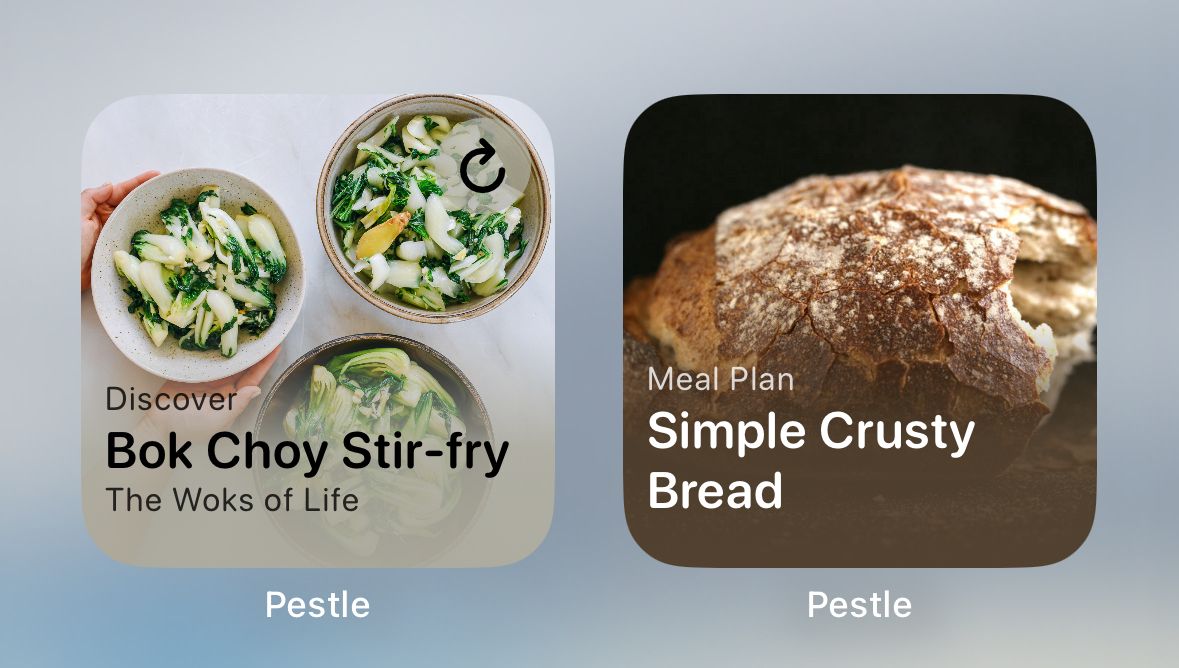
Widgets
Add the Meal Plan widget to your Home Screen by long-pressing anywhere on your Home Screen (besides on an icon), tapping the plus button that appears in the top left, and finding Pestle in the list.
Calendar
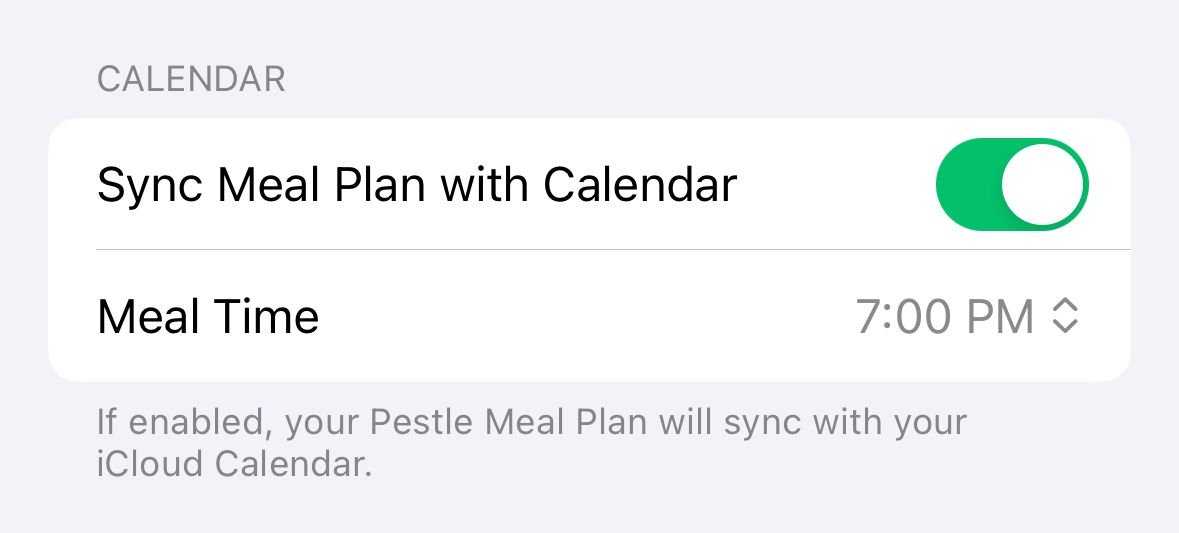
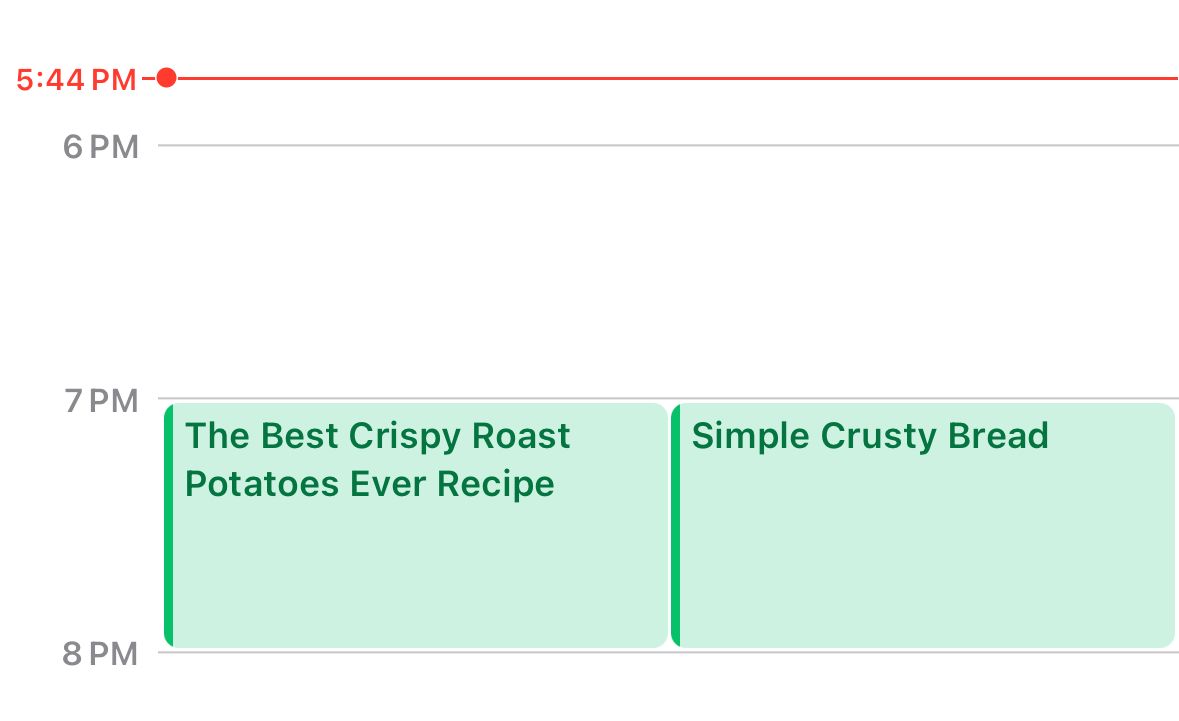
Well, that just about wraps up the March newsletter. I hope you learned something! I want to finish off with a recipe recommendation.
This is one of my all time favorite recipes. I make it in big batches and add it to everything, from pastas to avocado on toast. Be careful, because any jars that you give to friends will soon result in those friends nagging you for more!