Meet the In-App Browser
There's now a new way to discover and save recipes to Pestle, and you never even need to leave the app.
Hey there 👋,
Welcome to Pestle Bites #3, this one is about a new feature in Pestle 1.7, available now!
Introducing the In-App Browser
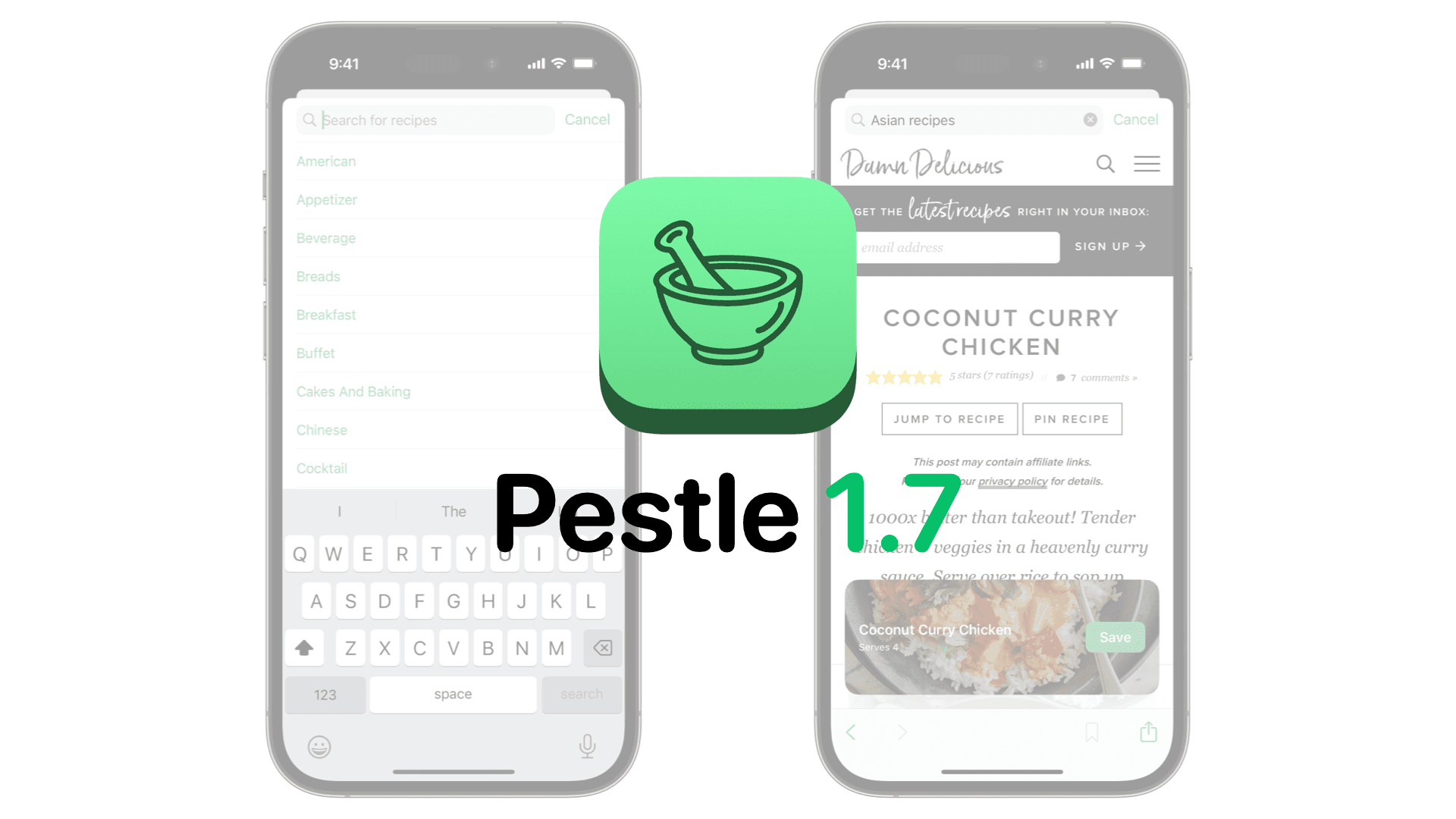
There's now a new way to discover and save recipes to Pestle, and you never even need to leave the app. Now, when you tap the + button in your Cookbook, you'll see the Browse option. Tap that and start searching, or choose from one of the suggestions. Pestle will perform a Google search and show you the results, just like you're in Safari, but when you tap on a recipe, Pestle will do it's magic ✨ and a recipe card will appear at the bottom of the screen.
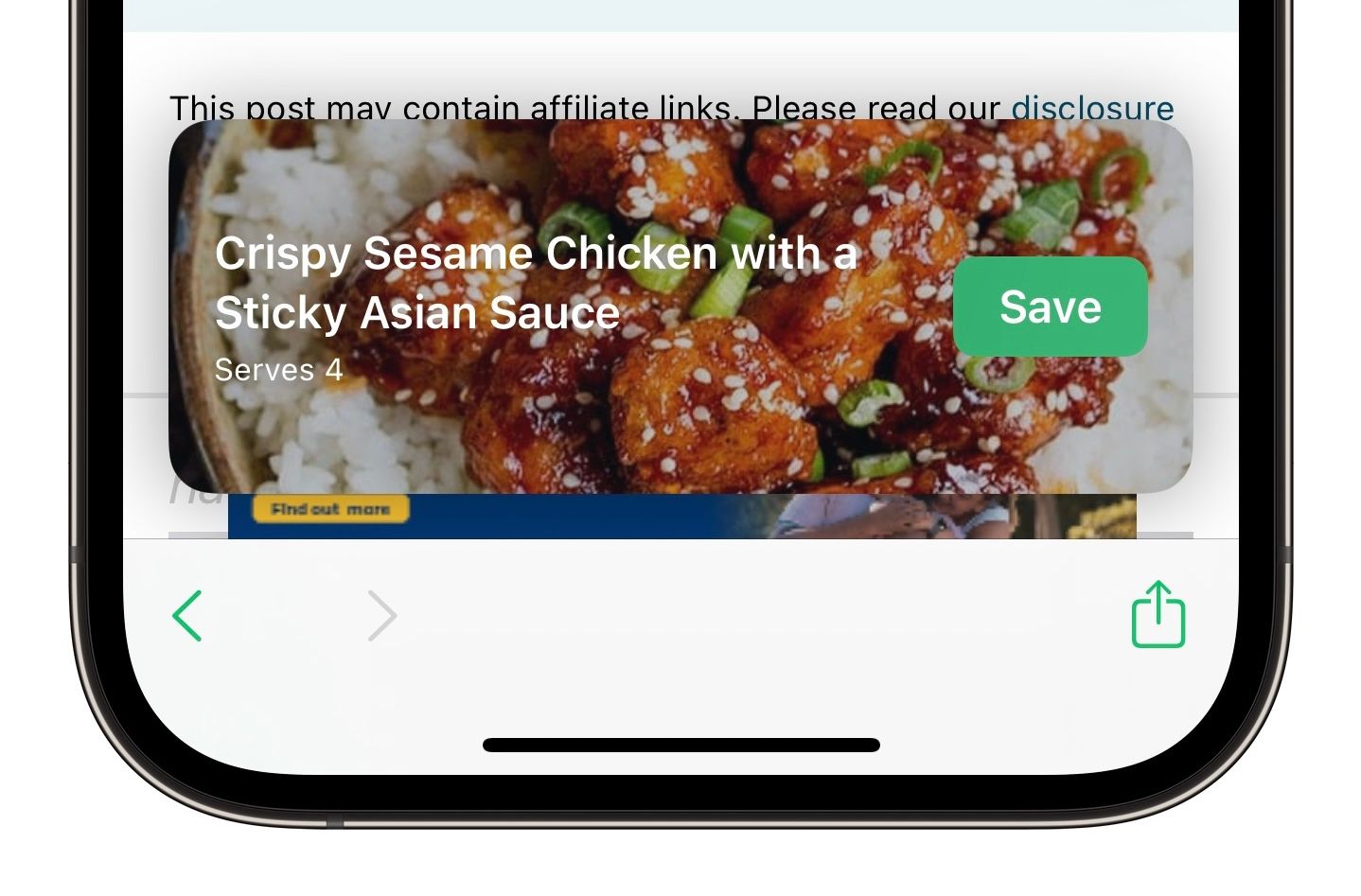
Don’t worry if you don’t use Google, Bing and Duck Duck Go are also options available in Settings. Once you’ve saved a recipe you’ll have the option of closing the browser and opening it, or you can continue browsing and save more. If a recipe can't be saved to Pestle, you'll also have the option of bookmarking it.
What else is new?
There's also some great new additions for the data ~~hoarders~~ *collectors* of you out there. Pestle's Markdown exporter has been supercharged 🚀
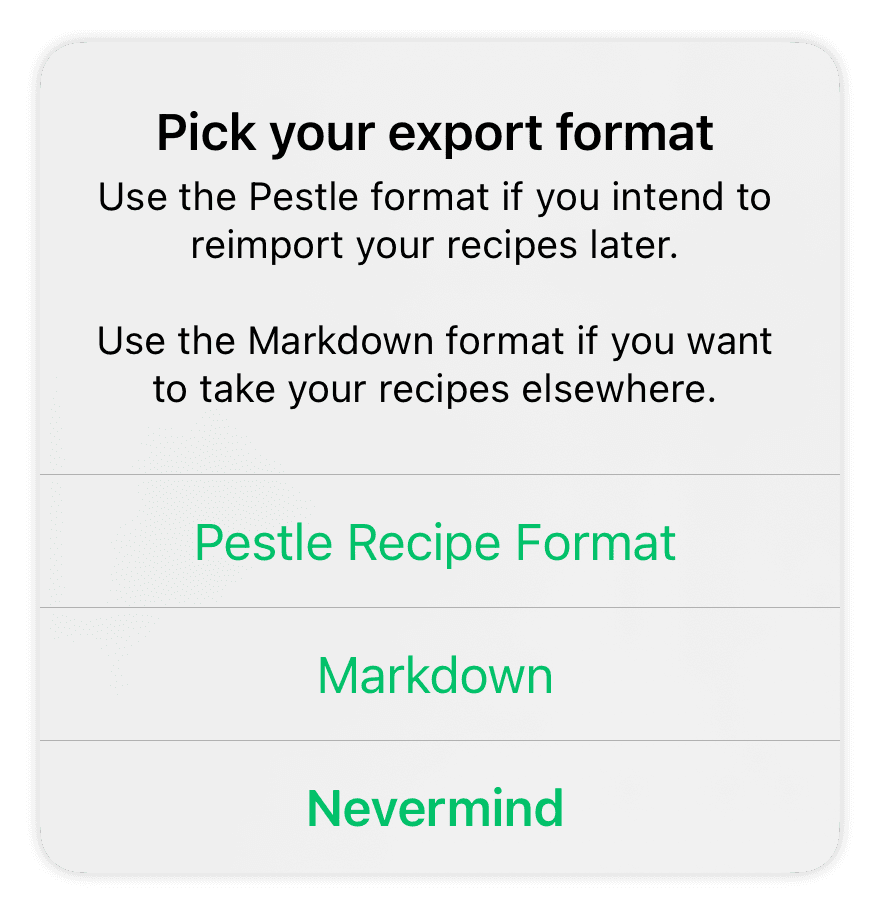
Now you can export your entire cookbook as Markdown files. This will create a .zip file containing all of your recipes in the .md format.
If all that sounds like a bunch of jargon to you, don't worry, there's lots of improvements I'm sure you'll love too, including upgrades to Households, and improvements to imports from Paprika. You can read all about them here.
That’s all for Pestle Bites #3, I’ll be back next month to tell you all about what’s new in Pestle in June!