Meet Pestle 1.9 for iOS 18
With a new design, new icons, improved performance and more!
Hey everyone,
It's been a couple of months since the last Pestle Bites newsletter, and that's because I've been super busy working on a couple new things. I'm going to spend most of this newsletter talking about Pestle's big iOS 18 update, but first I want to talk about why it's been so long since the last Pestle newsletter...
An email from Apple
A couple of months ago I received an email from Apple, requesting a version of Pestle they could install on iPads and iPhones across retail and partner stores globally. So despite being in the midst of building new features that I'll go on to talk about, I had to drop everything and make a demo version of Pestle.
I won't go into all of the nitty gritty details about development, **but if you're interested in that let me know**, and I might do a seperate blog post about it!
Fast forward to September 17th, I received a message from a friend in Apple Retail letting me know that they had spot Pestle on their iPads!
So a couple of days later when I was in a city with an Apple Store, I excitedly went in and to my absolute delight, I was greeted with this:
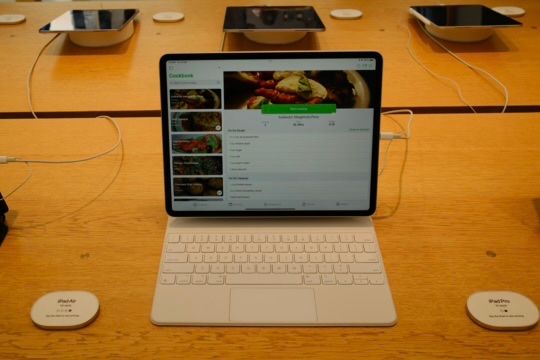
It's hard to describe the feeling of seeing Pestle, the app I have spent years working on, installed on every iPad in an Apple Store. I'm incredibly grateful to Apple for the opportunity, and if any of you happen to spot Pestle on a demo iPad or iPhone, please send me a picture, I'd love to have a collection! So far I know it's in Australia and Denmark, and I'd love to add some countries to that list!
Anyway, that's it for the personal news, onto what's new in Pestle in iOS 18:
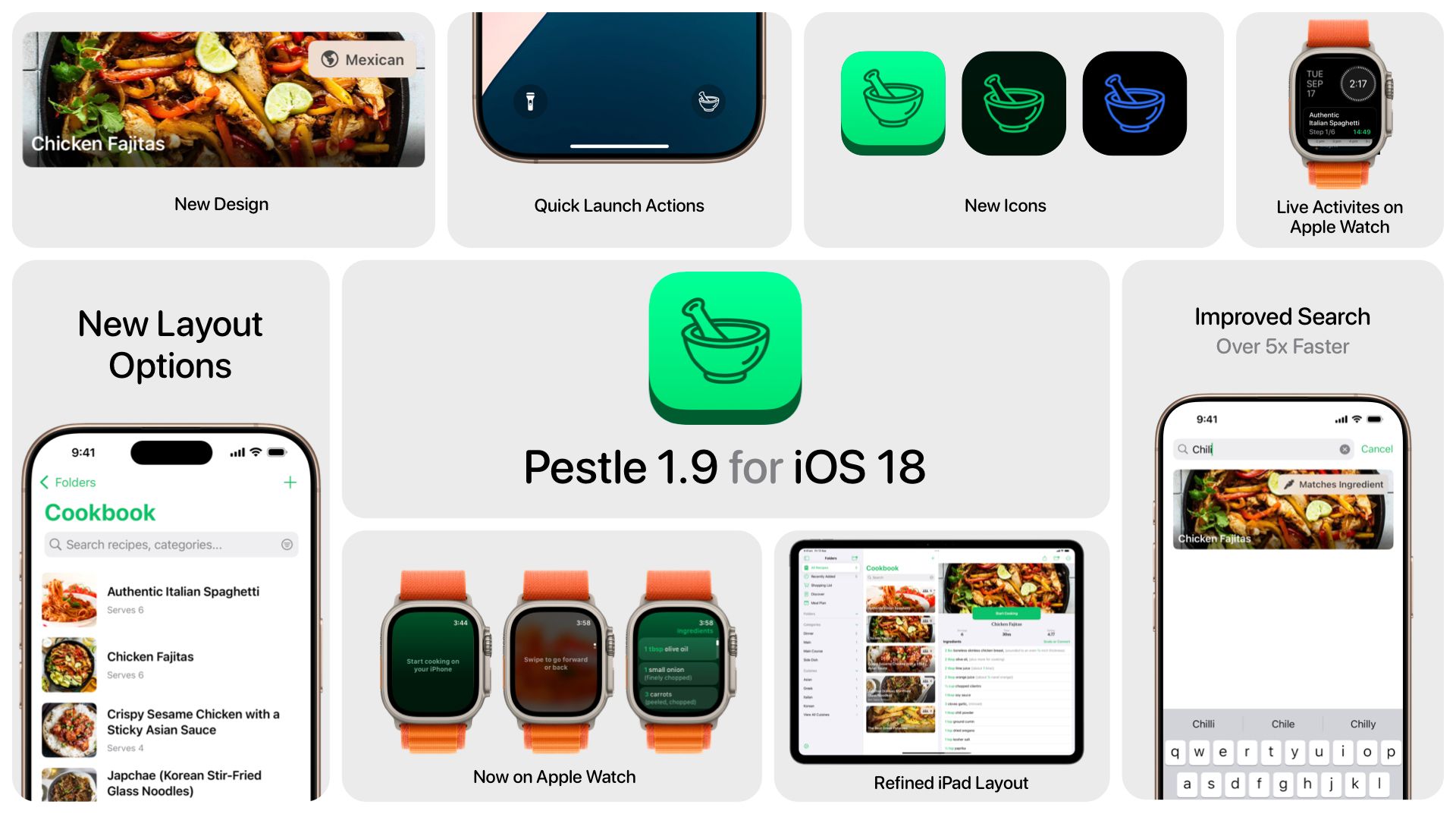
So, what's new? I have made some changes to Pestle to reflect the new design language across iOS, and for the first time, Apple Watch, there are updates to the iPad app, improvements in search and general performance, and more!
New Icons
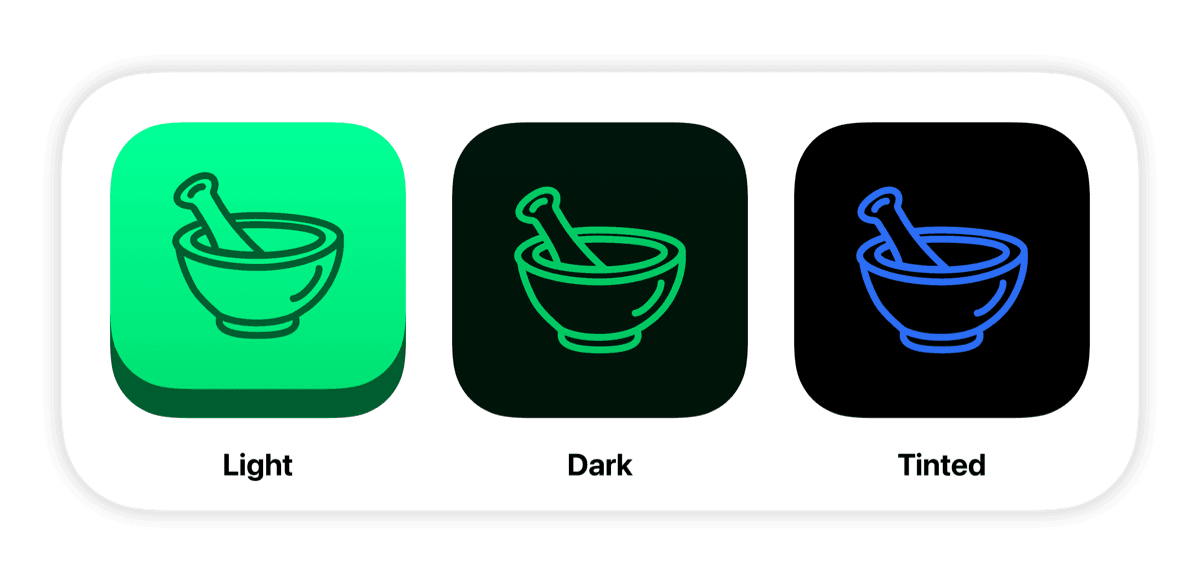
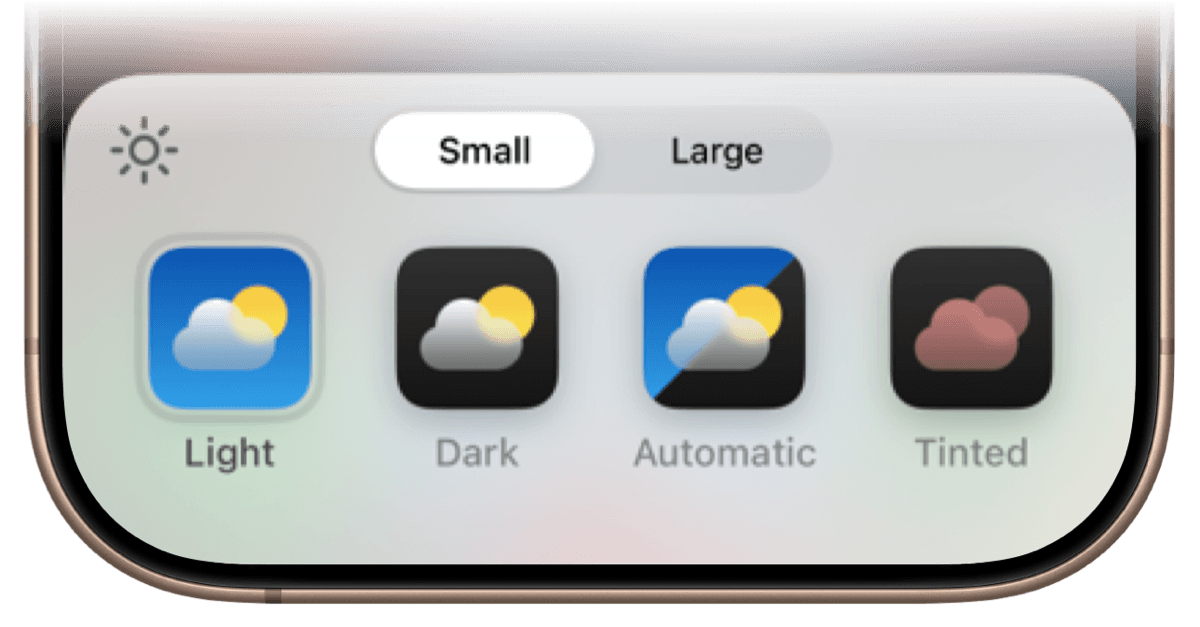
In iOS 18, Pestle now has 3 icons, Light, Dark, and Tinted. You can choose between these like so:
On your Home Screen, long press and tap Edit › Customize
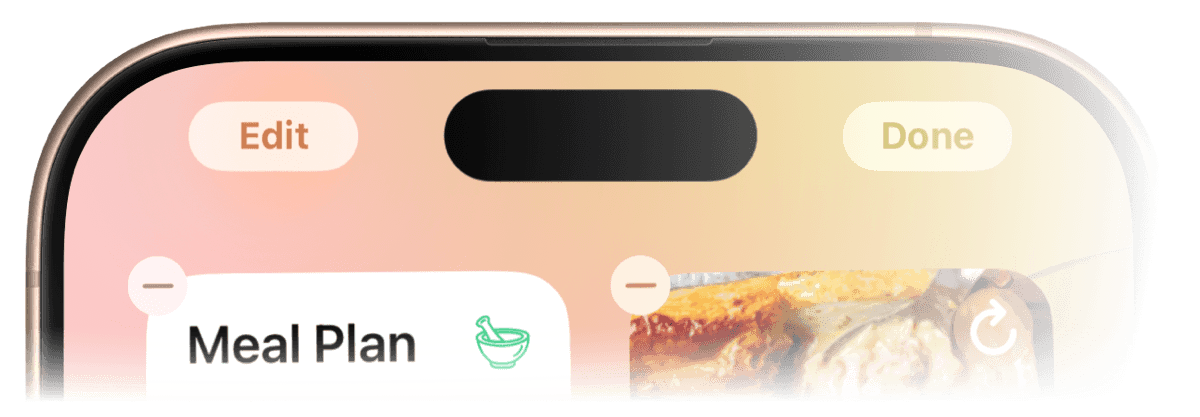
Then you can choose between Light, Dark, Automatic (which changes between sunrise and sunset), and Tinted, which lets you choose your own color!
Cookbook
I've made a couple of changes to the Cookbook, both under the hood and ones that you can see. Starting with the recipe cards, the text has been moved to the bottom to show off more of the recipe's photo, and information like servings has been moved to the top right.

And if you're performing a search, that label will update to explain why something has matched:
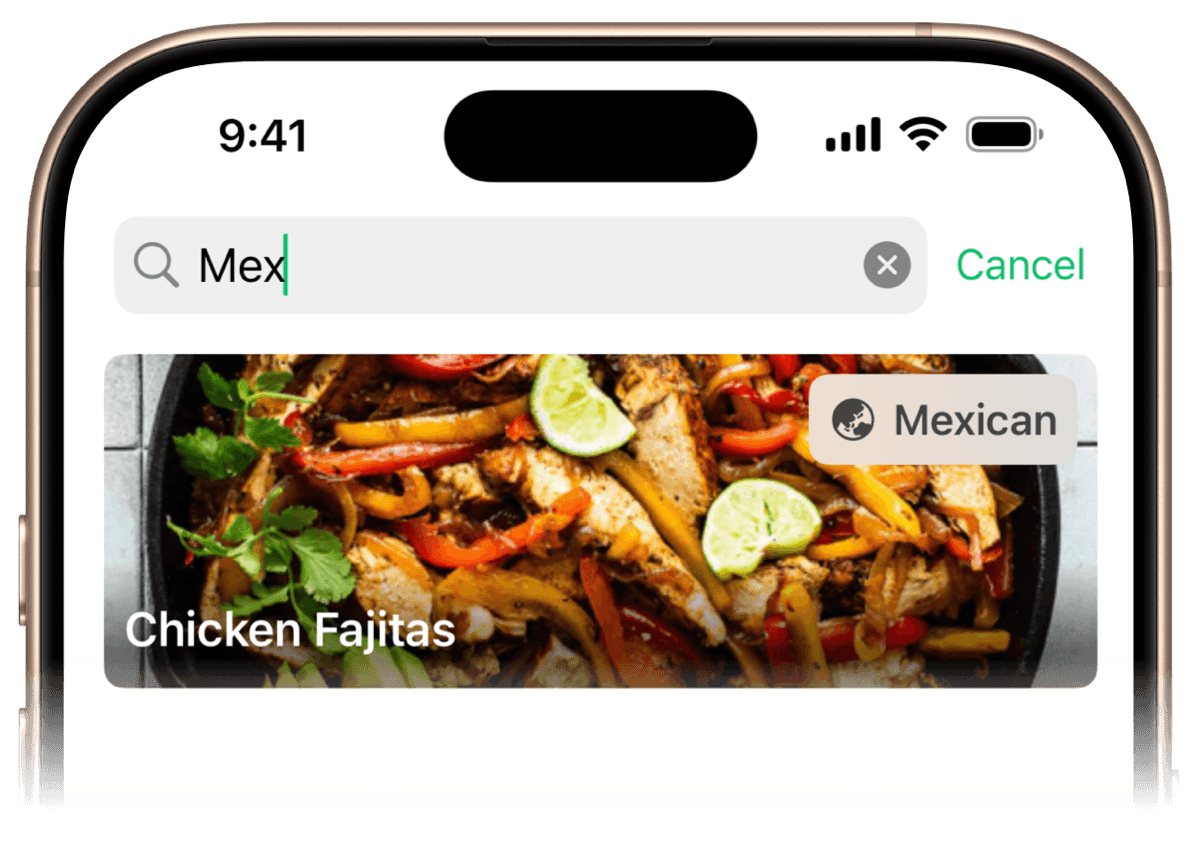
Speaking of search, I've completely reengineered it to work a lot faster, even for cookbooks with 1000s of recipes.
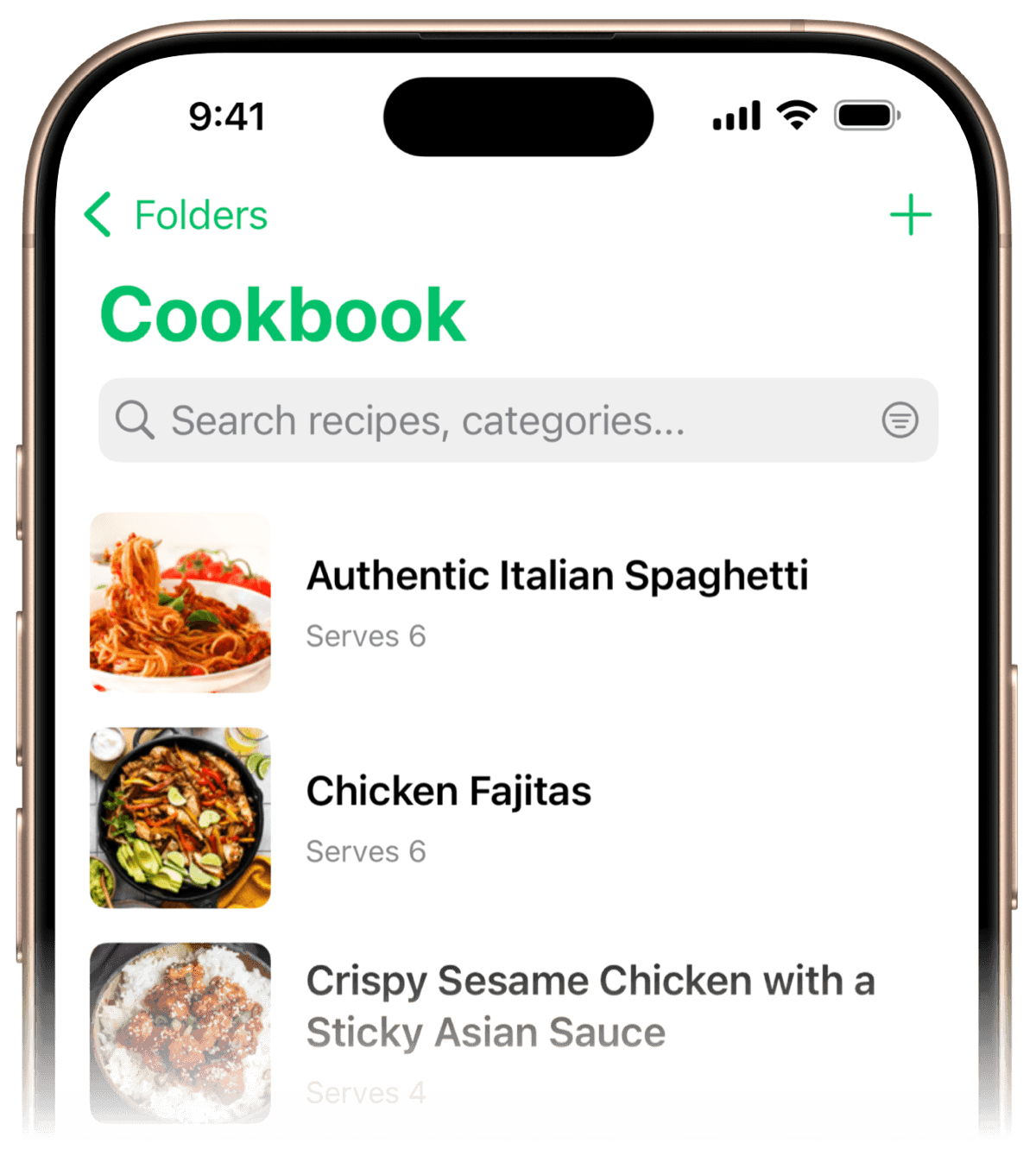
Finally, I'm introducing a new list style for those that prefer to have the image and the text side-by-side, rather than stacked.
Pestle on iPad
In iOS 18, Apple changed the way tab bars are displayed across the system. To put it bluntly, this wrecked havoc with Pestle, so I had to go back to the drawing board, and I'm happy with what I came up with.
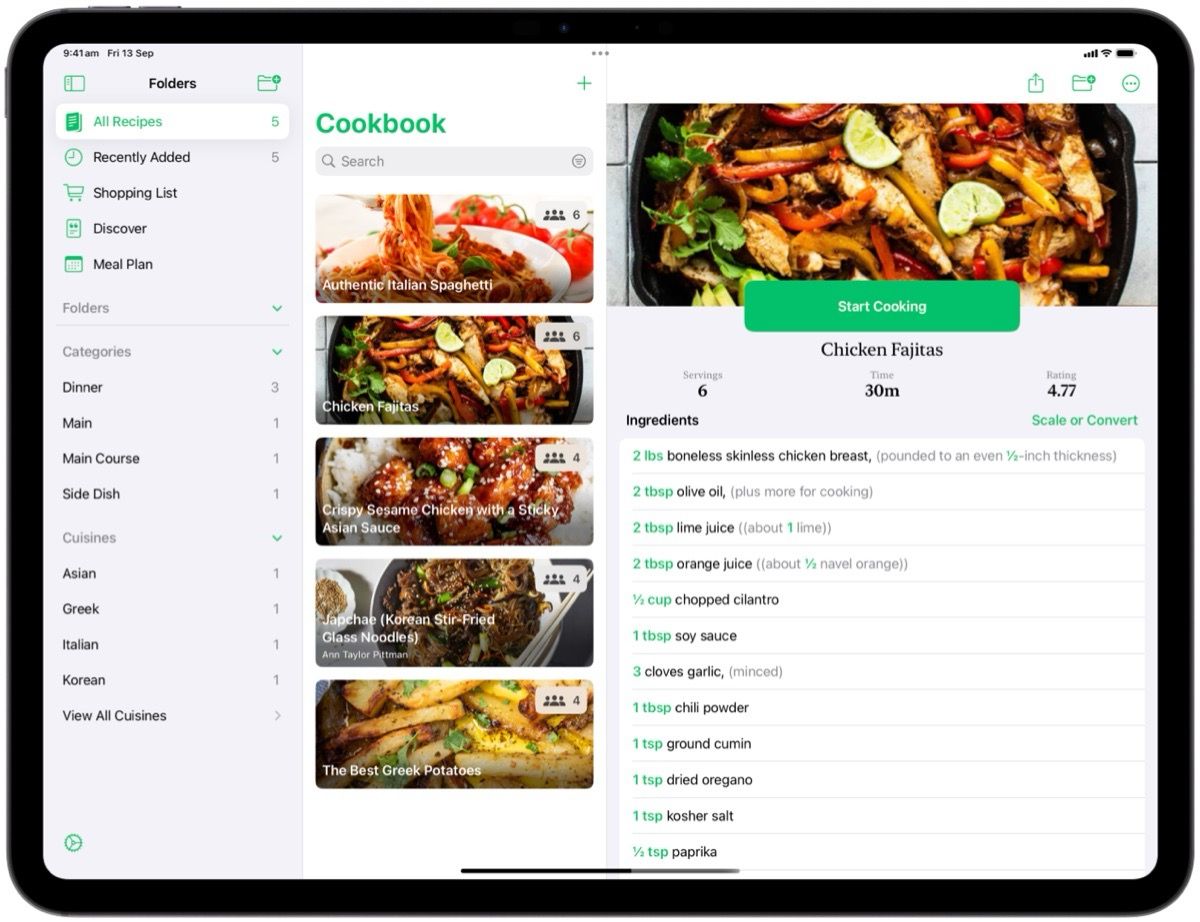
Pestle has been streamlined on iPad to have everything just a tap away in the sidebar. This layout adapts to different iPad sizes (and larger iPhones), and can be hidden at any time.
Apple Watch
You can now use your Apple Watch to control your iPhone while cooking, and glance at the ingredients in a recipe.
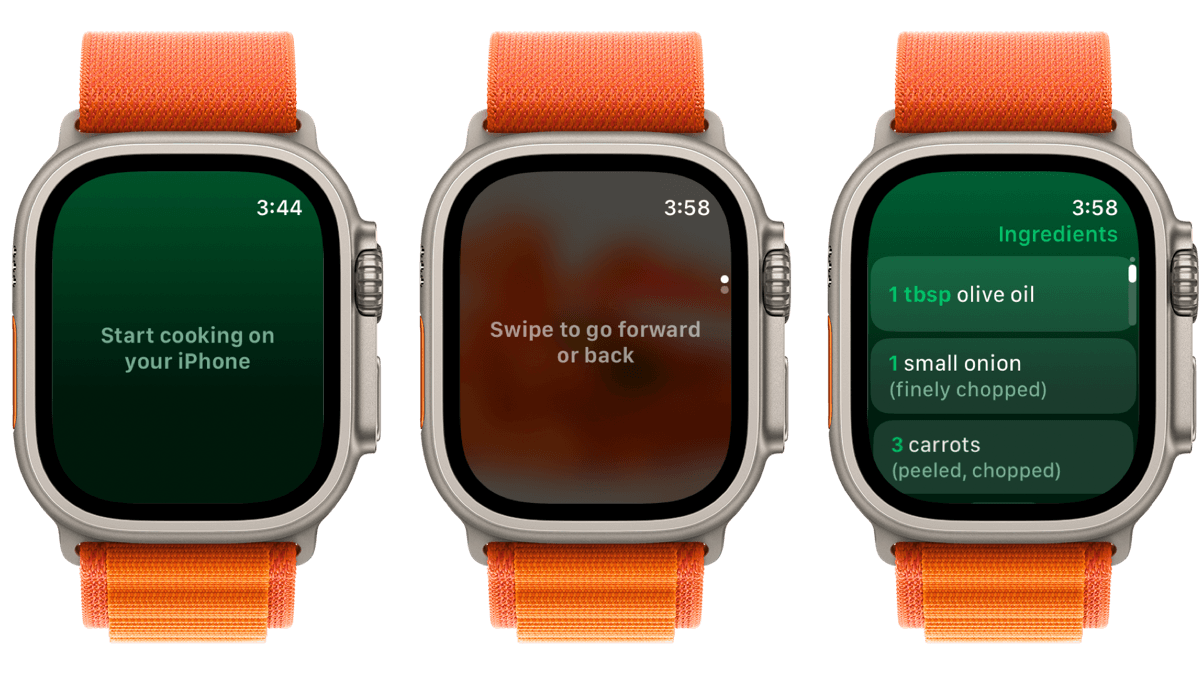
I don't think there is heaps more to say about the watch app, it's simple, it's nice, go get it!
Quick Launch
Available now in iOS 18, you can now place a quick button to access Pestle on your Lock Screen or in your Control Center.
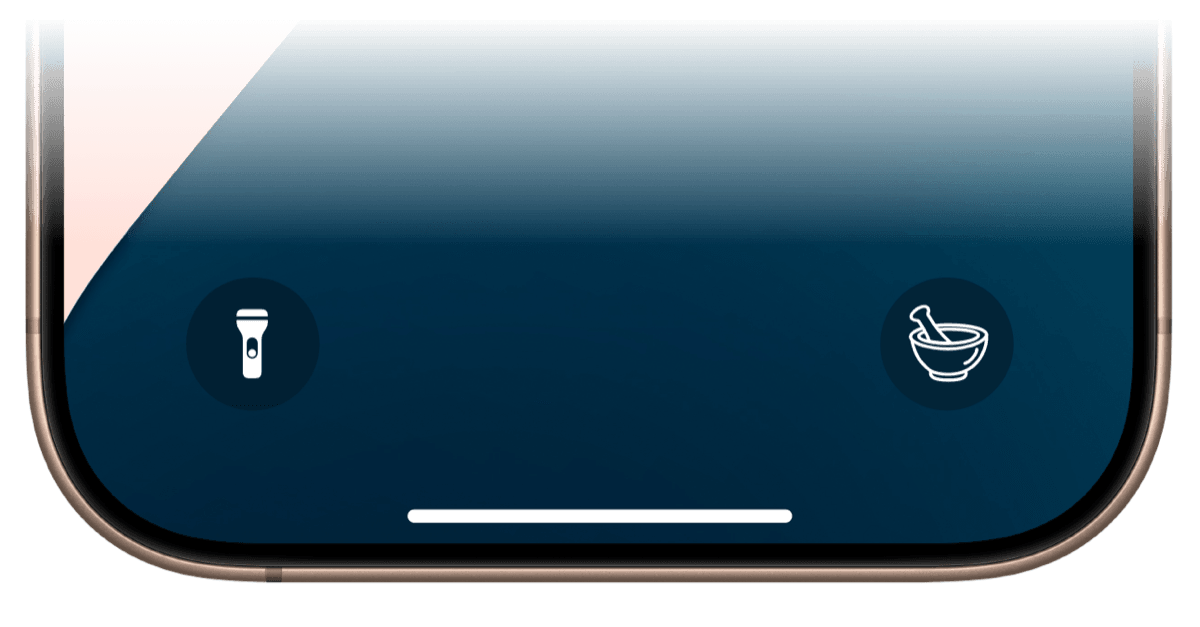
Well that's it for the major upgrades, but across the board Pestle has been made faster and more reliable!
I hope to make the updates a bit more frequent from now on, the June to September period is really busy for developers, as Apple announce iOS 18 in June, and give developers until mid-September to get everything ready.